
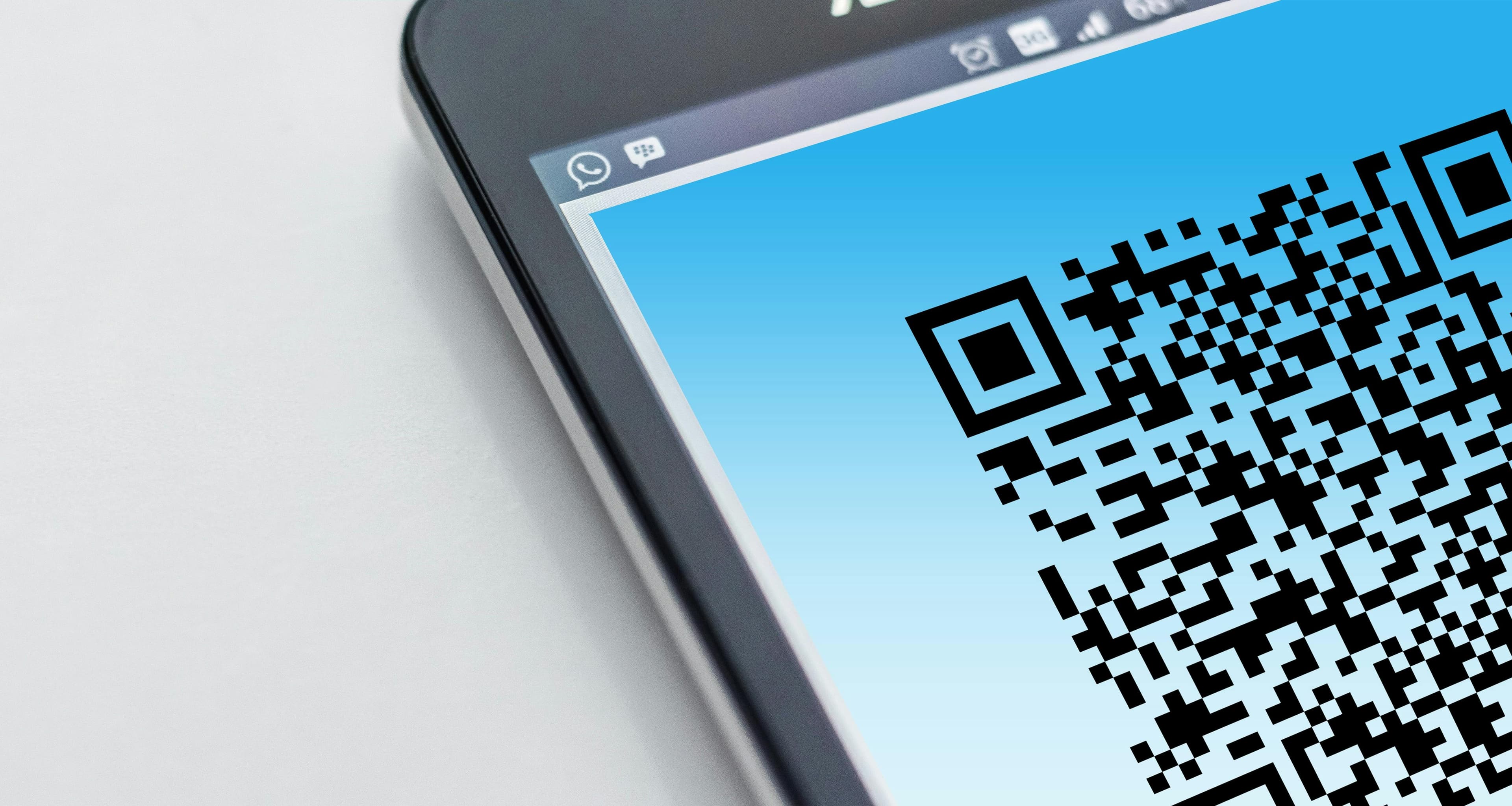
In 2026, several international travellers have reported being stopped at airline counters or immigration desks because their Indian eVisa copy did not display a QR code, barcode, or photograph. Even when the application is approved, an incorrectly downloaded or incomplete ETA (Electronic Travel Authorization) can trigger airport entry issues.
If your Indian eVisa has no QR code, here’s what it means — and what you should do before reaching the airport.
Why Is There No QR Code on My Indian eVisa?
In most valid cases, the approved Indian eVisa PDF includes:
- A visible QR code or barcode
- Your photograph
- Application ID
- Passport details
- Visa validity dates
If your document is missing the QR code, common reasons include:
- You downloaded the acknowledgement page instead of the final ETA.
- The file was partially downloaded or corrupted.
- The PDF viewer did not load embedded elements correctly.
- You accessed an outdated or cached copy of the approval.
Airlines often scan the QR code to verify authenticity. If it’s missing, they may deny boarding even if your visa is technically approved.
What Happens at the Airport?
Airline staff verify documents before departure. If your ETA does not match the correct ETA format for India, they may:
- Ask you to step aside for manual verification
- Request a fresh copy
- Refuse boarding due to incomplete travel authorization
Immigration officers in India also rely on the scannable code for faster verification. Missing digital validation elements increase scrutiny and delays.
How to Check If Your Indian eVisa Copy Is Valid
Before travel:
- Re-download the approved ETA from the official source.
- Ensure the QR code and photograph are clearly visible.
- Confirm passport number and visa validity.
- Use a desktop browser instead of a mobile screenshot.
- Print a clean copy in A4 format.
If you are unsure whether your document is correct, it is safer to retrieve your correct Indian eVisa copy rather than risk airport denial.
Some travellers discover formatting issues only hours before departure. In such cases, professional India eVisa support can help verify document authenticity and ensure compliance with airline verification standards.
LeSo, through its Indian eVisa assistance service, reviews approved ETAs for formatting accuracy, QR visibility, passport matching, and compliance checks before travel. If your copy looks incomplete or you’re unsure whether it meets airline scanning standards, you can check details on our Website or reach out to us via WhatsApp.
Common Technical Reasons QR Codes Go Missing
- PDF opened inside email preview instead of downloaded
- File saved as image instead of PDF
- Screenshot shared instead of official approval
- Third-party application errors during submission
- Browser extension blocking embedded scripts
Always use the original approval PDF sent after final status confirmation.
Can You Travel Without a QR Code?
In most cases, no. Airlines increasingly require machine-readable validation. Even if immigration officers can manually verify your visa in India, airline carriers follow strict document compliance rules before boarding.
Attempting to travel without a proper ETA format can result in:
- Missed flights
- Rebooking charges
- Visa reapplication delays
- Immigration questioning
It is always better to resolve the issue in advance through structured India eVisa support channels.
Preventing Indian eVisa Airport Issues
To avoid last-minute stress:
- Apply at least 4–7 days before departure
- Double-check your passport details
- Verify the approval PDF thoroughly
- Keep both digital and printed copies
- Ensure your visa category matches your travel purpose
Even minor technical errors can cause disproportionate travel disruptions.
Frequently Asked Questions
1. Why does my Indian eVisa approval not show a QR code?
You may have downloaded the wrong document version, opened an incomplete file, or saved a corrupted copy instead of the final ETA PDF.
2. Will immigration allow entry without a QR code?
Even if immigration systems can manually verify, airlines may deny boarding without a scannable document.
3. Can I fix a missing QR code on the same day of travel?
In some cases yes, if the approval is valid and only the format is incorrect. Immediate document verification is recommended.
4. Is a screenshot of my eVisa acceptable?
No. Airlines require a full, official PDF copy with visible QR code and visa details.
5. How do I confirm my eVisa is in the correct ETA format?
Check that the PDF includes a QR code, photo, passport details, visa validity, and application ID in a clear printable layout.





