
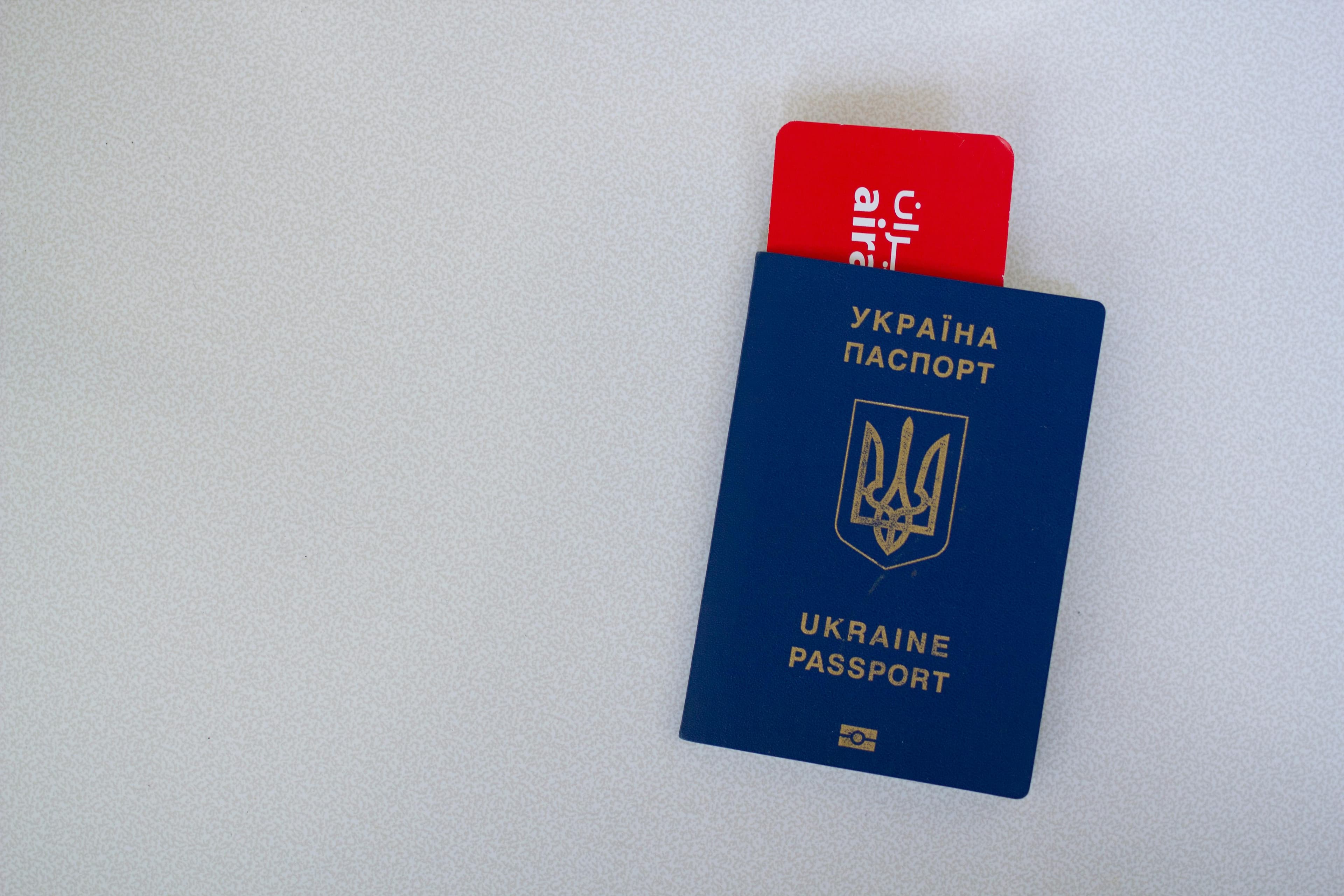
Selecting the wrong nationality in your India eVisa form is a critical identity error and should be corrected quickly. The safest approach is to verify what was submitted, assess whether correction is possible, and proceed with one clean resolution path.
Why This India eVisa Issue Happens
This issue commonly occurs when applicants use autofill data, choose from a long dropdown too quickly, or confuse nationality with residence details. Because nationality is a core field, mismatches can trigger rejection risk.
- Incorrect dropdown selection during form fill
- Autofill carrying old profile information
- Confusion between citizenship and country of residence
- No final review before submission
Step-by-Step Actions to Resolve It
Confirm Exactly What Was Submitted
- Check the submitted record or acknowledgement details.
- Compare nationality field with passport citizenship data.
- Document all mismatched entries before next action.
Proceed With a Corrected Path
If in-place correction is not available, a fresh corrected application may be necessary. For guided help, visit India eVisa apply.
Documents and Details to Recheck
- Passport bio page nationality/citizenship line
- Name, date of birth, and passport number consistency
- Uploaded passport image clarity and completeness
- Email and phone entered for status updates
When to Reapply and When to Contact Support
Choose Based on Edit Availability
If the nationality field cannot be corrected in the active submission, reapply with exact passport-matching details. Contact support first when status is active but uncertain.
Frequently Asked Questions
Can a wrong nationality entry cause rejection?
Yes, nationality is a core identity field and mismatches can create major verification issues.
Should I submit multiple applications to fix it faster?
No. Use one clear correction route to avoid duplicate-case complications.
How do I prevent this in future applications?
Disable risky autofill, verify dropdown selections, and complete a final passport-to-form review before submission.
If you want a quick correction check, message on WhatsApp. You can also send a form enquiry through the online application form.





