
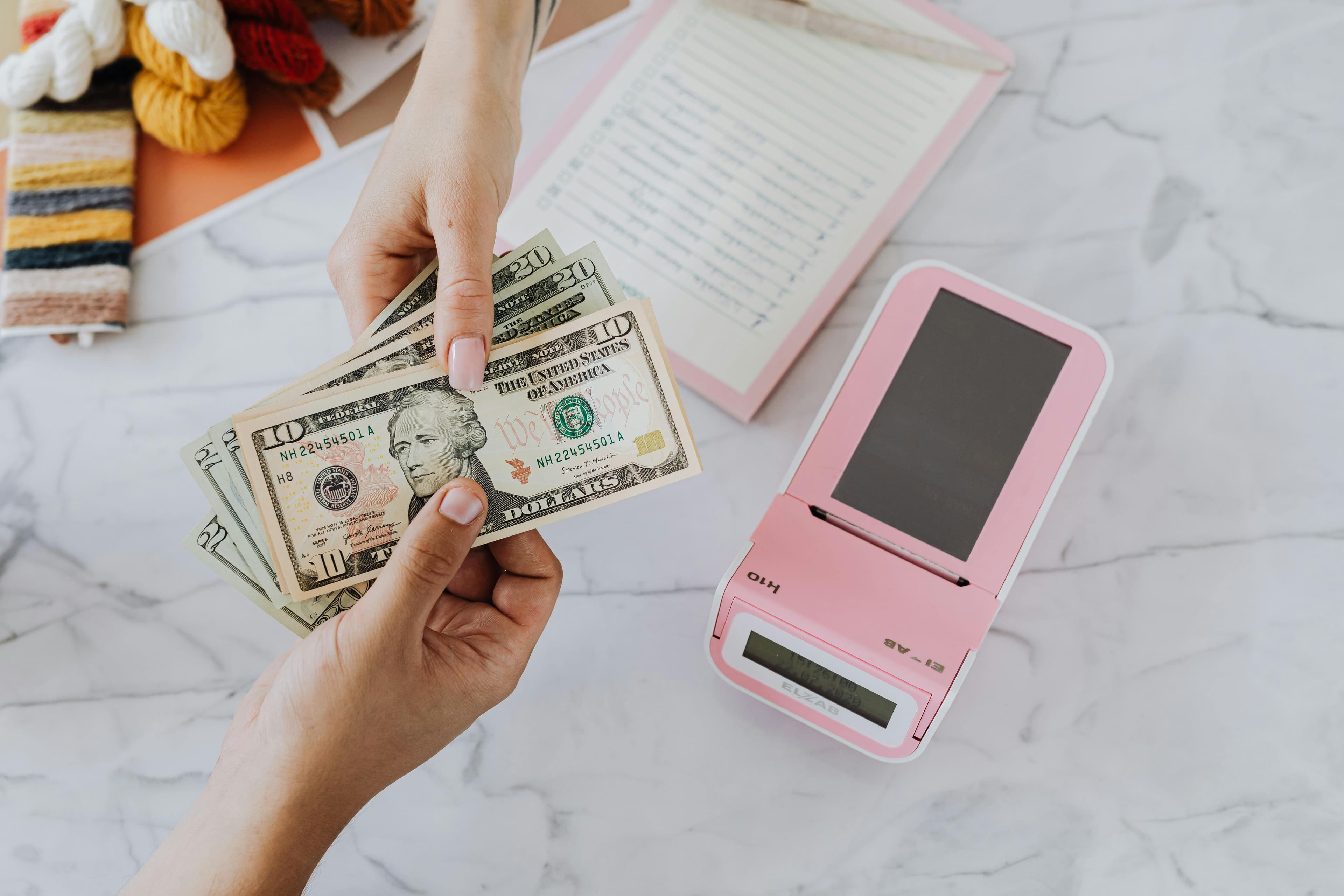
If your India eVisa payment failed but money was deducted, the case is usually a payment-status sync issue. The safest approach is to verify transaction status first and avoid immediate repeated payments.
Why This India eVisa Issue Happens
This issue often appears when payment authorization succeeds at bank level, but the application portal does not update instantly due to gateway delay or session interruption.
- Temporary gateway timeout during confirmation
- Browser/session interruption after payment approval
- Delayed status sync between bank and application portal
- Retry attempts before settlement reconciliation
Exact Steps to Resolve It Quickly
Verify Payment and Application References
- Save transaction ID, amount, and timestamp.
- Check application status using original reference details.
- Wait for reconciliation before trying another payment attempt.
Use One Controlled Retry Path
If retry becomes necessary, proceed with one tracked session only. For a guided flow, visit India eVisa apply.
Documents and Details to Double-Check
- Application reference and passport details
- Transaction confirmation screenshot or message
- Date/time of deduction and payment method used
- Email and phone used in the application form
When to Reapply and When to Contact Support
Choose Based on Verified Status
If payment remains unresolved after a reasonable interval, contact support with complete transaction and application details before starting any reapplication.
Frequently Asked Questions
Should I pay again immediately if money was deducted?
No. First verify whether payment is pending reconciliation to avoid duplicate charges or duplicate submissions.
Can a failed status change to success later?
Yes, status can update after gateway and bank records synchronize.
What helps resolve this faster?
Providing full transaction proof and accurate application references in one clear support request.
If you need a quick pre-action review, message on WhatsApp. You can also send a form enquiry through the online application form.





