
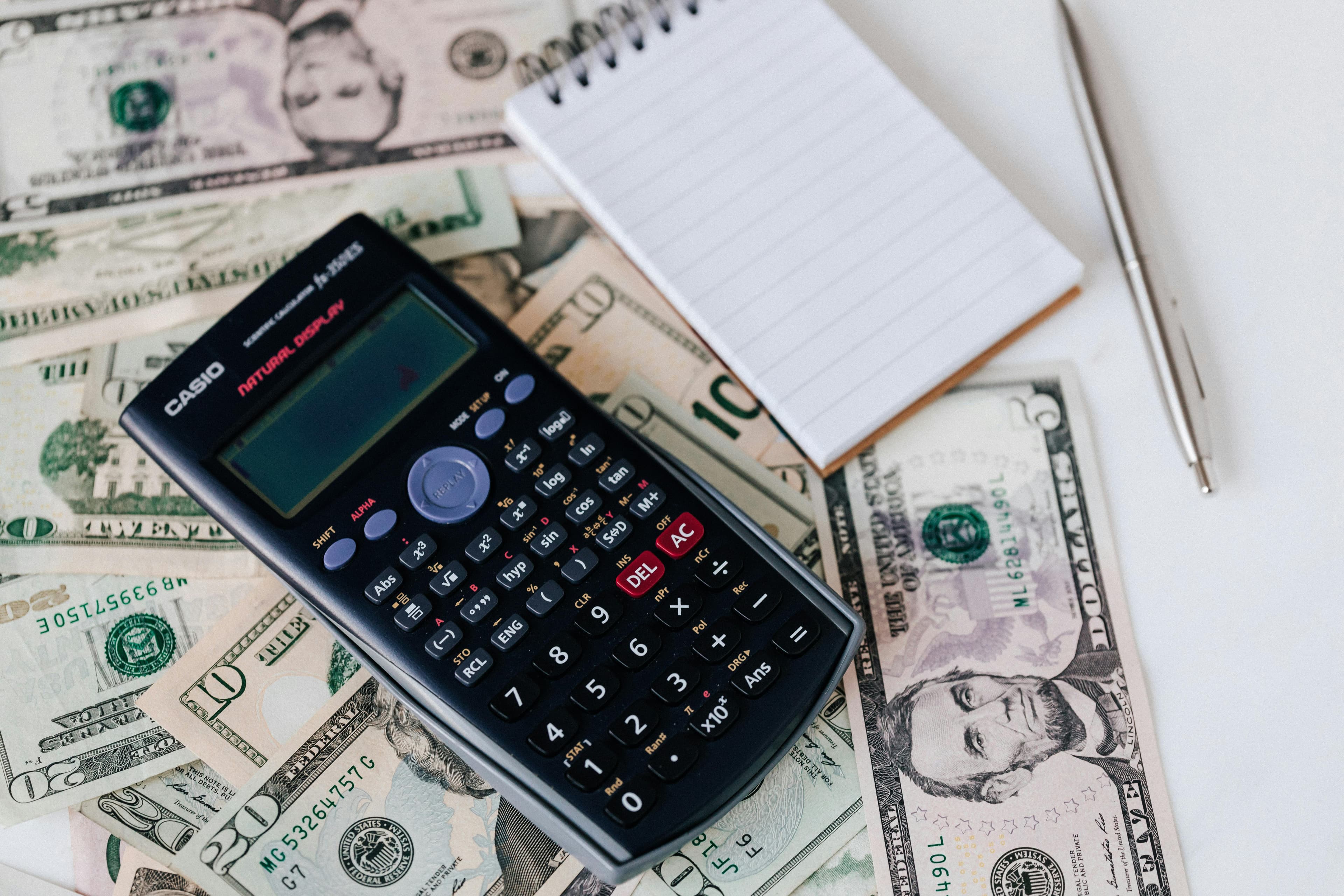
If your India eVisa payment failed but your bank account was debited, do not panic and do not rush a second payment. This situation can happen when payment confirmation is delayed between the bank, gateway, and application system.
For guided assistance with India eVisa application and payment recovery, visit https://leso.co.in/india-evisa-apply.
Why payment can fail after amount deduction
A debit entry can appear even when the application does not immediately mark payment as successful.
- Gateway timeout: Bank debit is processed but confirmation is delayed.
- Session interruption: Refresh, back navigation, or connection drops during checkout.
- Bank-side latency: Status sync between systems takes longer than expected.
- Card settings issue: Online international settings may interrupt completion.
How to confirm whether transaction is pending or failed
- Check bank statement and note transaction reference ID and time.
- Review application/payment status in your eVisa workflow.
- Wait for sync window before making a second payment attempt.
- Track whether the first debit is reversed or settled.
Keep all records so you can share exact details if support follow-up is needed.
Safe retry process to avoid duplicate debit
Retry only after confirming the first attempt is failed or reversed.
- Do not pay immediately again if status is still syncing.
- Use one clean session for reattempt without multiple tabs.
- Verify final response page before closing browser.
- Save proof of both old and new transaction attempts.
Payment method and browser checks before reattempt
- Card readiness: Ensure online and international payments are enabled.
- Stable connection: Avoid switching networks during checkout.
- Browser hygiene: Clear cache or use an updated browser in normal mode.
- No interruptions: Avoid refresh/back actions once payment starts.
When to escalate for urgent travel timelines
If your travel date is close, prepare transaction ID, debit proof, timestamps, and application reference before asking for help. A complete set of records helps support teams review your case faster.
For quick help on payment and reapplication issues, contact us on WhatsApp.
Frequently Asked Questions
Why was money deducted if the India eVisa payment failed?
This can happen during gateway timeout or delayed confirmation, where your bank debits first but the application does not instantly confirm payment.
Should I pay again immediately if the status is unpaid?
Not immediately. First verify bank and application status together to avoid accidental duplicate charges from delayed sync.
How long should I wait before retrying payment?
Wait for a reasonable sync period, then retry only if the first transaction is confirmed failed or reversed.
Can I use a different card on the second attempt?
Yes, using a card with international online transactions enabled often improves success on reattempt.
What proof should I keep if amount is deducted?
Keep transaction ID, debit screenshot, timestamp, and application reference details for support follow-up.
How can I reduce repeat payment failures?
Use stable internet, complete payment in one session, avoid refresh/back actions, and confirm gateway response before closing the page.




